
Staying Safe Online
Simple habits that protect you online
Online threats can exploit reused passwords, deceptive messages and out-of-date software. They can also affect careful users, so combining practical habits with security settings helps reduce the risks to your accounts, devices and personal information.
The guidance below explains why online safety matters and the steps you can take today to protect yourself, your family and your business.
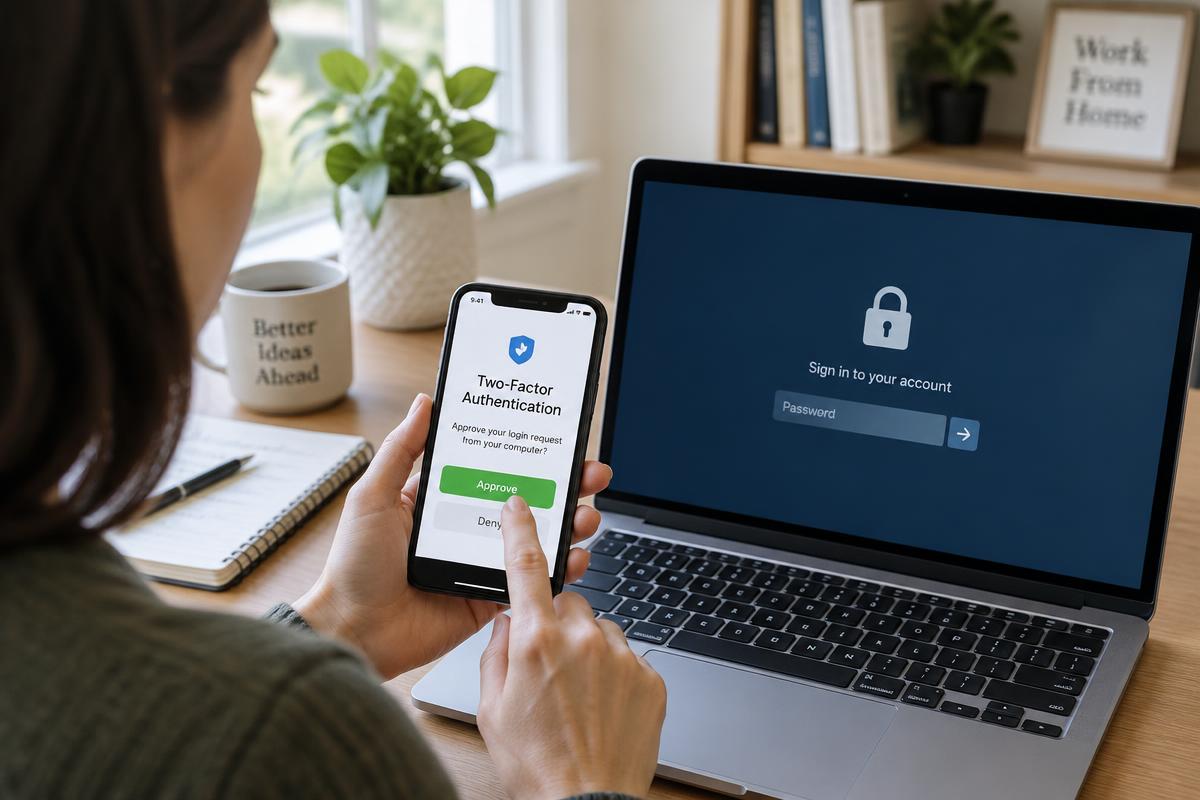
Online safety matters wherever you use connected devices: at home, at work or on the move. Start with the accounts that give access to other services, particularly your main email account, and check how they are protected. Then review your devices, software updates and recovery options. You do not need to change everything at once: working through a few clear steps can reduce your exposure to scams and make it easier to respond if something goes wrong.
Importance of Online Safety
Online shopping, banking, social media and email all involve information worth protecting. This includes passwords, payment details, private messages and documents shared with other people. A compromised email account can be particularly disruptive because it may be used to reset passwords for other services. For businesses, unauthorised access can also expose customer information or interrupt everyday work. Online safety is therefore about protecting both your own information and the people who rely on you. Strong account security, careful sharing and a clear recovery plan reduce the risk of identity theft and fraud, although no single precaution removes every threat.
One of the main reasons why online safety is crucial is the potential consequences of a security breach. If your personal information falls into the wrong hands, it can lead to financial losses, reputational damage, and even legal issues. Cybercrimes, such as phishing scams, ransomware attacks, and data breaches, can have far-reaching consequences that impact not only individuals but also businesses and organizations. By understanding the risks and taking proactive steps to secure your online accounts and devices, you can minimize the likelihood of becoming a victim of cybercrime.
To stay safe online, it’s essential to be aware of common cyber threats and practice good cybersecurity hygiene. By adopting a proactive mindset and implementing protective measures, such as using strong passwords, enabling two-factor authentication, and keeping your software up to date, you can reduce the risk of falling prey to cyber-attacks. Additionally, being cautious about the information you share online and avoiding suspicious links or emails can help protect your personal data from being compromised. By staying informed and taking precautions, you can enjoy the benefits of the internet while staying safe and secure.
Practical Tips for Protecting Your Info
Use a long, unique password for every account, especially your email, banking and work accounts. A reputable password manager can generate and store passwords so you do not have to remember or reuse them. Protect the password manager itself with a strong master password and multi-factor authentication where available. If you need to create a memorable password, use a long passphrase made from unrelated words rather than personal details or predictable patterns. Follow each service’s password requirements, but do not rely on adding a number or symbol to an otherwise weak password.
Enable multi-factor authentication (MFA), often called two-factor authentication (2FA), wherever it is available. It adds a verification step beyond your password, such as an authenticator app or security key. Where supported, consider passkeys or security keys for stronger protection against phishing; text-message codes still offer useful protection compared with a password alone. Never share verification codes or approve a sign-in prompt you did not initiate. Store recovery codes somewhere secure so you can regain access if your device is lost. Also enable automatic updates for supported operating systems, browsers and apps, and restart devices when required to complete installation.
Pause before responding to unexpected emails, texts or calls, especially those demanding urgent payment or account verification. Check requests through a trusted route: open the organisation’s app, type its known website address yourself or call a number you already trust rather than one in the message. Do not assume a familiar sender name or an HTTPS padlock proves that a request is genuine. Keep identity documents, payment information and other sensitive details off public forums, and review who can see your social media posts. At work, verify changes to payment details through a separate trusted channel before sending money.
Prepare for problems as well as trying to prevent them. Keep backups of important files, with at least one copy separate from your everyday device, and check that you can restore them. If you think an account has been compromised, use a trusted device to change its password, sign out other sessions and review recovery details. Change any reused passwords on other accounts too. Contact your bank promptly if payment details or money may be involved, using its official contact route. If a device appears infected, disconnect it from the network and seek advice before reconnecting. For work accounts or equipment, report the issue to your IT contact promptly and follow your organisation’s incident procedure.
Make online safety a routine rather than a one-off task. Start by securing your main email account, checking that your devices receive updates and confirming that your important files are backed up. Review privacy settings and account recovery details periodically, and talk through suspicious messages with family members or colleagues before taking action. These habits work together to reduce risk, but no checklist can guarantee complete protection. If you would like help understanding your home or business IT security needs, contact CQANET through the Contact page at https://cqanet.com/contact to discuss its Cyber Security and IT Support services and identify an appropriate next step.