
IT SUPPORT
HERE TO HELP
Start with the support option that suits your situation: use the Client Portal to raise or update a ticket, follow the remote assistance guide below, or book a remote or on-site appointment. Before requesting help, note any error messages and the steps that lead to the problem so your technician can get started quickly.
Submit or amend your tickets via the Client Portal!
Client PortalRemote Support
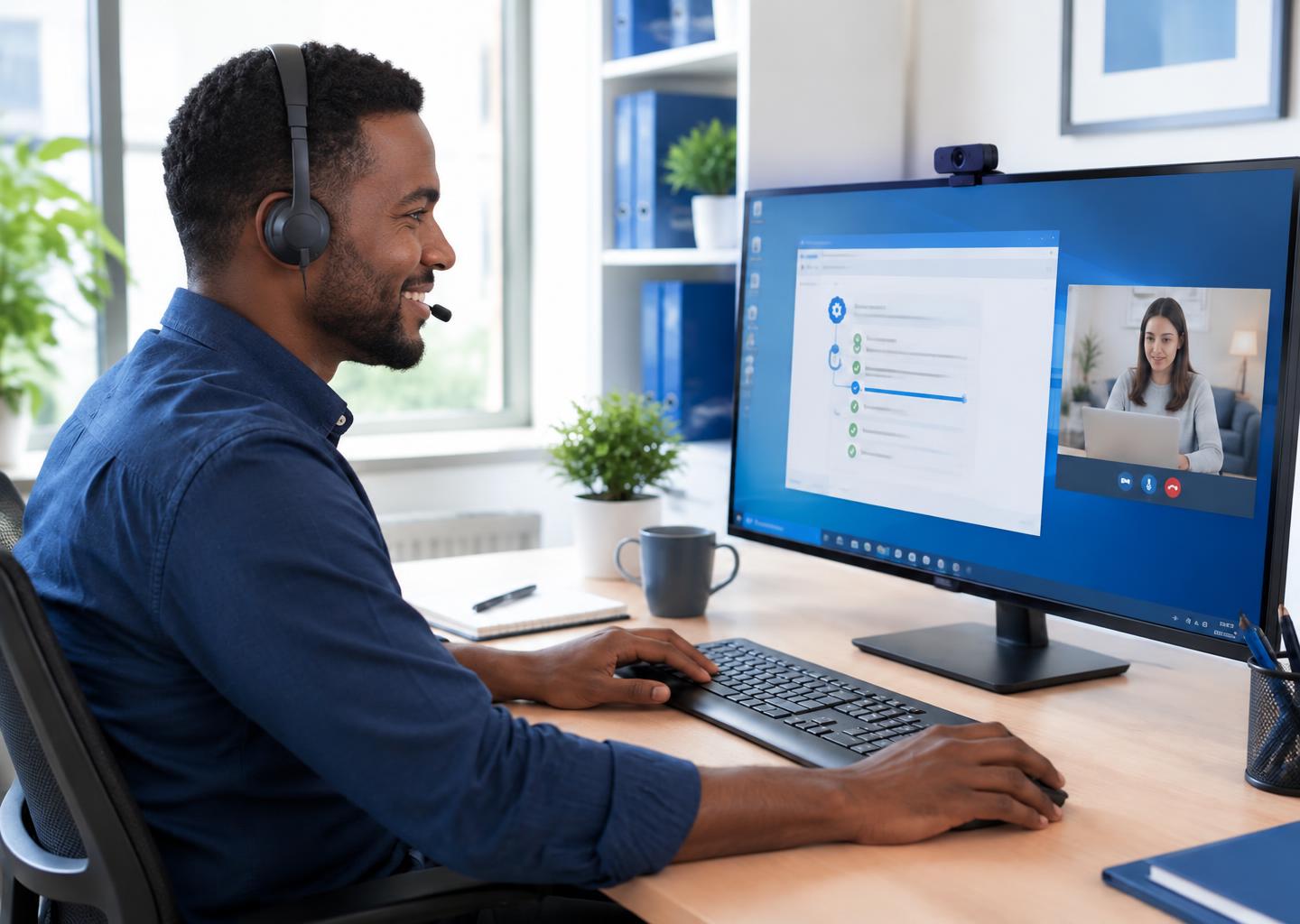
Expert help, wherever you’re working
Computer problems can interrupt your working day, whether you’re at home or running a business. CQANET remote support lets a technician investigate suitable software issues over the internet, without the need for an on-site visit.
Tell us what has gone wrong, including any error messages or recent changes. We’ll assess whether remote assistance is appropriate and guide you through the next steps. If the issue needs a physical inspection or hardware repair, we’ll explain why remote support may not be suitable.
What we can help with
- Software problems
- Investigating application errors, unexpected behaviour and configuration issues.
- Virus removal
- Assessing suspected malware and helping with appropriate removal steps.
- Application installation
- Assistance with installing and setting up compatible software.
- Hardware driver issues
- Checking driver-related problems affecting connected devices.
You stay in control
Remote assistance requires a working internet connection and your permission. Download the CQANET remote client, share the session code directly with your technician and remain at your device during the attended session. Downloading the client does not automatically connect you or confirm a booking.
Please view user guide below for remote assist!
A short animated walkthrough: choosing Remote Support, downloading the remote client, sharing your session code and starting the session.
Book an appointment for remote support or an onsite visit.
Mon-Fri: 6PM – 9:30PM | Sat: 10AM – 5PM | Sun: Closed
All appointment times are London time. Onsite visits are available within Greater London; remote support can help clients elsewhere when a suitable internet connection is available.
Book a slot, and we will contact you to confirm your support booking.
If you have no internet access, please call before booking an onsite visit!
Click here to check your broadband speed!