Computer Repair
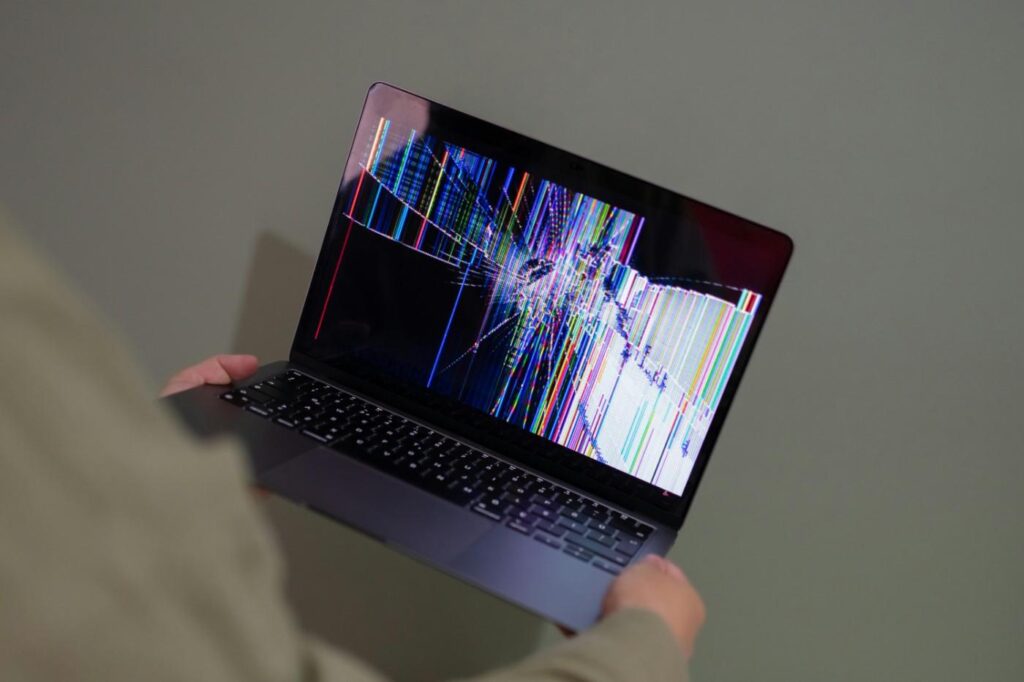
Cracked Laptop Screen? 5 Things to Do First
A cracked screen doesn't always mean a new laptop. Do these five things first.
1. Back up your files
Damage can spread or the screen may fail fully.
Fix: Plug in an external monitor and copy your files.
2. Stop pressing on it
Pressure makes cracks spread.
Fix: Close the lid gently and avoid touching the glass.
3. Note the model number
Screens are model specific.
Fix: Find the label underneath the laptop.
4. Check your warranty or insurance
You may already be covered.
Fix: Check your paperwork before paying.
5. Get a quote
Screen replacement is often far cheaper than a new laptop.
Fix: Contact a repair specialist.
We replace laptop screens quickly.
Book a screen repair →